Decorative Corner Bookmark Laser Cut Guide
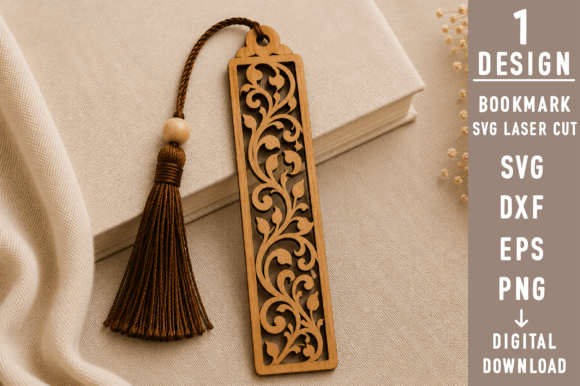
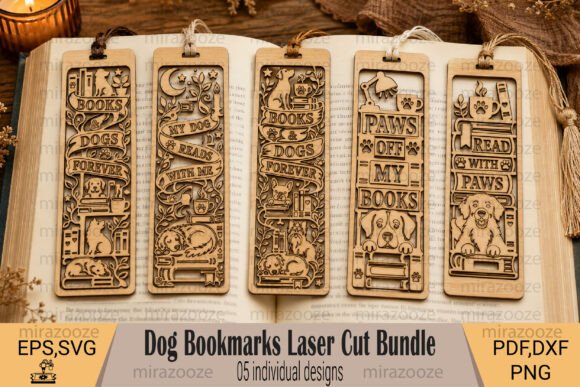
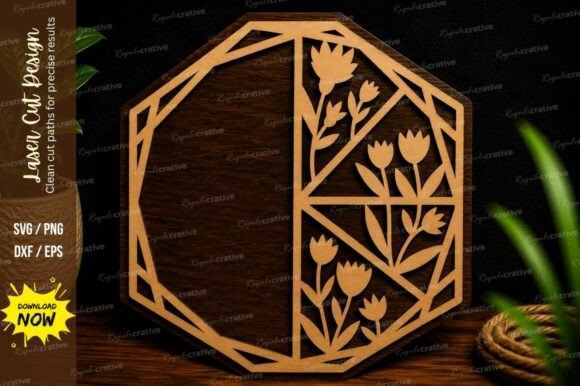
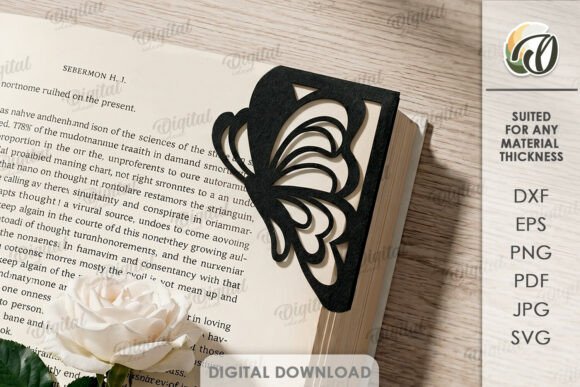
Adding a touch of elegance to your reading materials or organizing documents has never been easier with the Decorative Corner Bookmark Laser Cut. This digital design file offers a sophisticated solution for book lovers, office organizers, and craft enthusiasts alike. Whether you are looking to personalize a gift, streamline your workspace, or start a small crafting business, this versatile template provides the foundation you need. It is important to understand that this product is purely digital; no physical items will be shipped. The images you see serve as inspiration for what you can create once you download the files.
Understanding the Digital Design Format
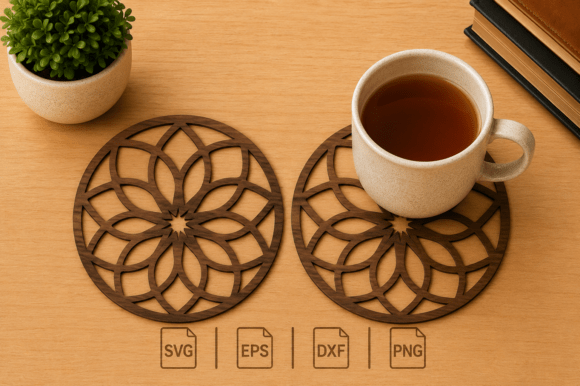
When you purchase the Decorative Corner Bookmark Laser Cut, you are acquiring a comprehensive package of vector and raster files. Upon purchase, you will receive a zip folder containing one distinct design in multiple formats: SVG, DXF, EPS, PDF, JPEG, and PNG. Each format serves a specific purpose depending on the tools you use. For instance, SVG and DXF files are ideal for laser cutters and vinyl cutting machines like Cricut or Silhouette, ensuring precise cuts and smooth edges. Meanwhile, EPS and PDF files are perfect for professional graphic design software, allowing for scaling without losing quality.
The inclusion of JPEG and PNG files adds flexibility for those who wish to preview the design digitally or use it in presentations and social media graphics before committing to a physical project. This variety ensures that whether you are a beginner using basic software or a professional with advanced machinery, you have the right file type at your fingertips. The design itself is crafted to fit neatly into the corner of a page, offering protection while adding a decorative flair.
Why Choose a Corner Bookmark Design?
Traditional bookmarks often slide out of place or get lost inside thick volumes. A corner bookmark solves this common problem by tucking securely into the edge of a page. This design not only marks your spot effectively but also protects the corners of your pages from wear and tear. The laser-cut aesthetic allows for intricate patterns, geometric shapes, or floral motifs that standard printed bookmarks cannot achieve. The precision of laser cutting creates clean lines and detailed textures that elevate the look of any book or document.
For many users, the appeal lies in customization. Because this is a digital product, you have the freedom to choose your materials. You might opt for sturdy cardstock for a temporary project, high-quality wood veneer for a durable keepsake, or even acrylic for a modern, translucent look. The possibilities of creation are endless, limited only by your imagination and the capabilities of your equipment. This adaptability makes the Decorative Corner Bookmark Laser Cut a valuable asset for anyone interested in DIY projects.
Practical Applications for Home and Office
This design is a great solution for creating an original design for your home or office environment. In a home setting, these bookmarks make thoughtful gifts for birthdays, holidays, or book club events. Imagine gifting a set of wooden corner bookmarks to a friend who loves classic literature; the personal touch of a laser-cut pattern adds significant sentimental value. For the home office, they can serve as stylish dividers for important paperwork, keeping invoices, contracts, or creative briefs organized and easy to locate.
In a professional context, educators and trainers can use these designs to mark key sections in lesson plans or training manuals. Small business owners might incorporate their logo or brand colors into the design to create unique promotional items for clients. Freelancers and bloggers often appreciate having personalized stationery that reflects their brand identity. By using the included vector files, you can easily modify the design slightly to match your specific color scheme or add text, making it a truly custom piece.
Ideas for Beginners and Hobbyists
If you are new to laser cutting or digital crafting, the Decorative Corner Bookmark Laser Cut is an excellent starting point. The design is optimized for ease of use, meaning you won't need complex node editing skills to get started. Simply import the SVG or DXF file into your cutting software, select your material, and let the machine do the work. For beginners without a laser cutter, the PDF and JPEG files can be printed on heavy paper or cardstock and cut by hand with scissors or a craft knife for a simpler version.
Hobbyists who enjoy experimenting with different materials will find this project rewarding. Try using recycled cardboard for an eco-friendly approach, or experiment with leather scraps for a rustic, vintage feel. The flat nature of the design makes it forgiving for first-time users, reducing the risk of errors during the cutting process. As you gain confidence, you can explore layering techniques, combining different colors or materials to create multi-dimensional effects that stand out on any shelf.
Important Considerations Before You Start
- Material Selection: Ensure the material you choose is compatible with your cutting method. Some materials may require specific settings to prevent burning or charring.
- Software Compatibility: Verify that your preferred design software supports the file formats provided (SVG, DXF, EPS, etc.) to avoid import issues.
- Scale and Size: While the design is scalable, consider the thickness of your material when determining the final size to ensure the corners fold or tuck correctly.
- Digital Nature: Remember that this is a digital download. You will need access to a printer, cutter, or crafting tool to realize the physical product.
Getting Started with Your Download
Once you have completed your purchase, the zip folder containing all necessary files will be attached to your receipt or available for immediate download. Unzip the folder to reveal the various formats. If you encounter any difficulties opening the files or have questions about how to best utilize them for your specific project, please write me a message. I am here to assist you in getting the most out of your design.
Whether you are looking to enhance your personal library, organize your workspace, or explore a new creative hobby, the Decorative Corner Bookmark Laser Cut offers a flexible and inspiring starting point. The combination of practical utility and artistic potential makes it a worthwhile addition to your digital toolkit. Thank you for visiting my store and exploring this creative opportunity. Happy shopping and happy crafting!